
Before you begin…
- Ensure pop-ups are enabled for CMS Online in order to launch e-Learning
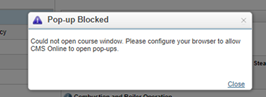
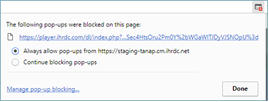
- Click the pop-up icon on your address bar and select Always allow pop-ups from CMS Online
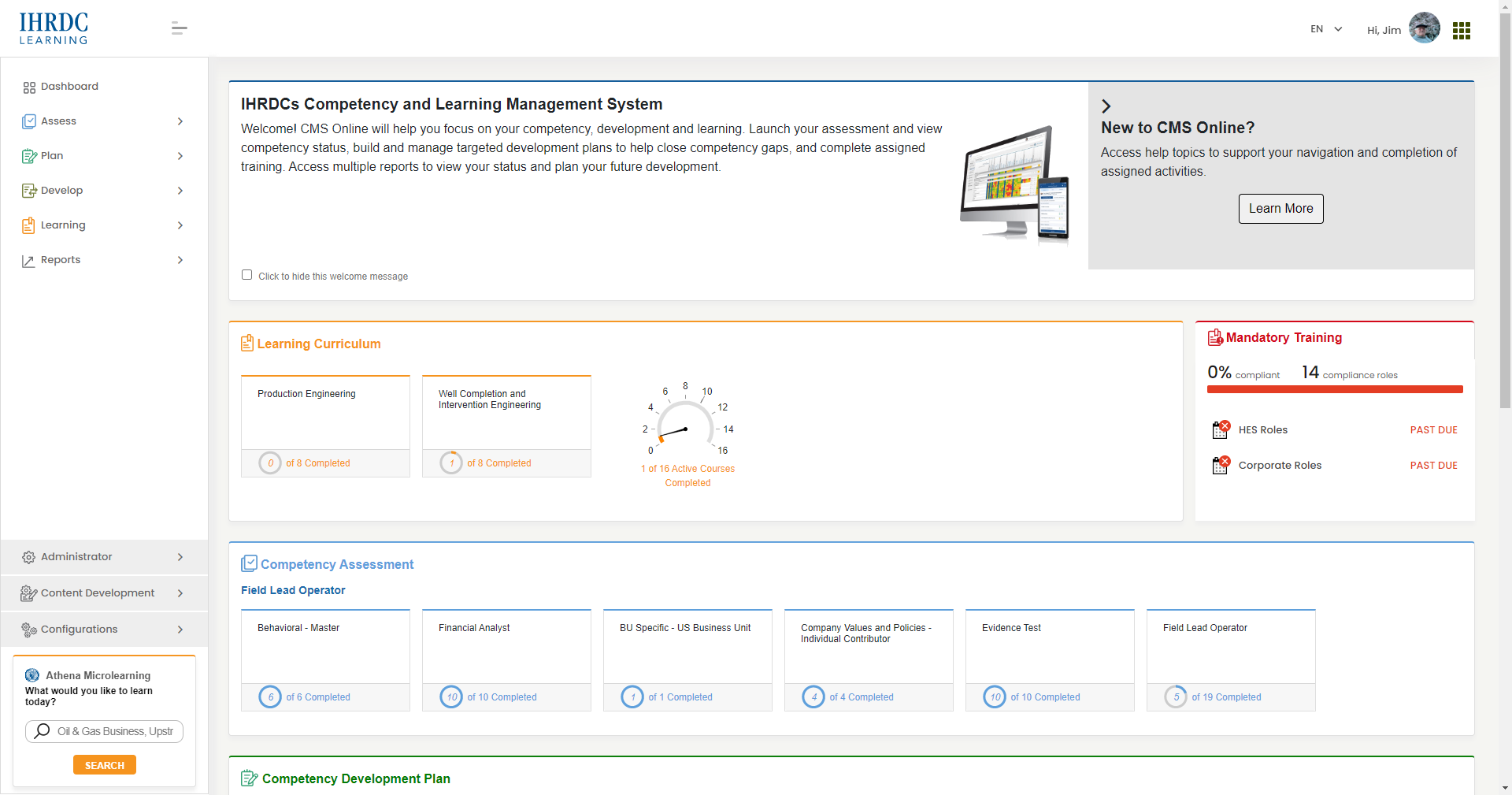
e-Learning can be launched from multiple locations within the application, based upon how it was assigned to you. You can go directly to a course by clicking the launch icon ( ) anywhere you see it.
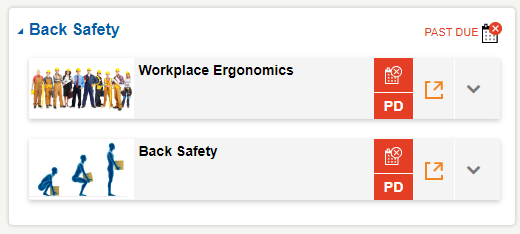
As an example, in Mandatory Training: Click into any Mandatory Training role group to see detail about the requirements.
Click the launch icon ( ) to launch an e-Learning course.
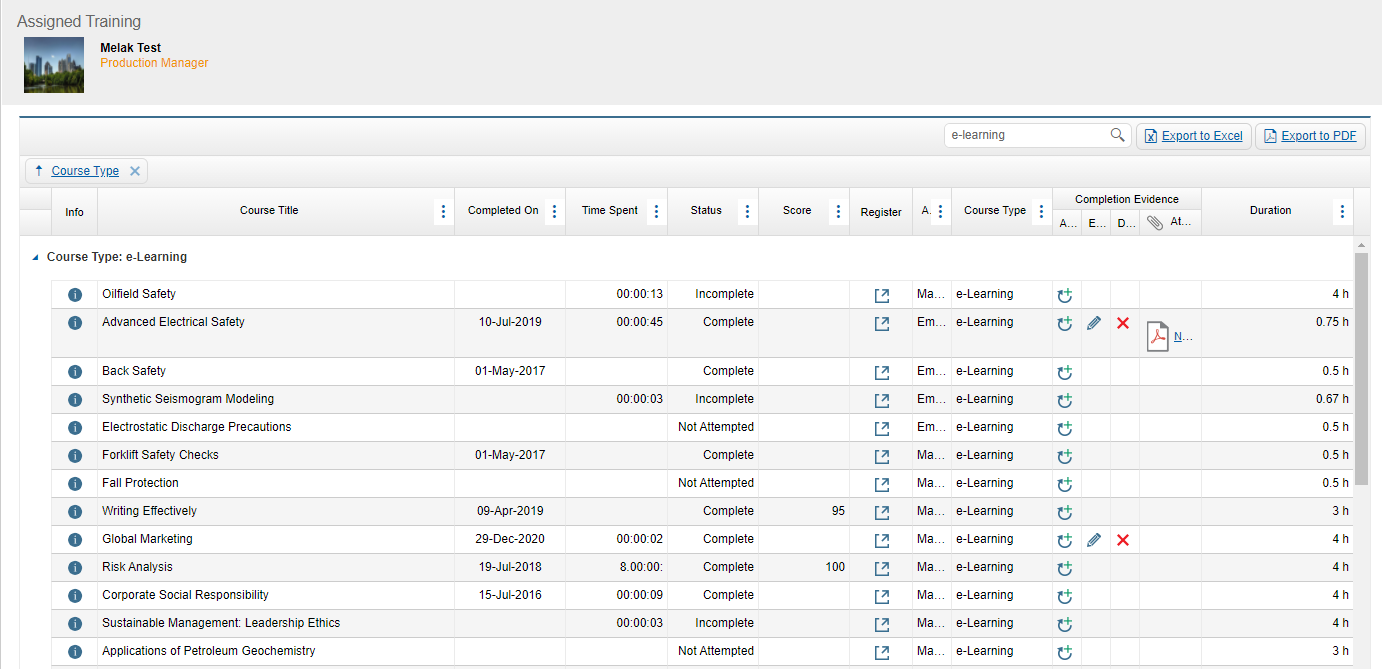
For learning events listed in a report, such as Assigned Training, locate the course and click the launch icon directly from the Register column in the report.
Comments
2 comments
I have received my log in and password, but my course is not appearing in the dashboard.
Order # 21361
i have changed my email and i cannot see my old course
Please sign in to leave a comment.